JavaScript Modules: Import and Export
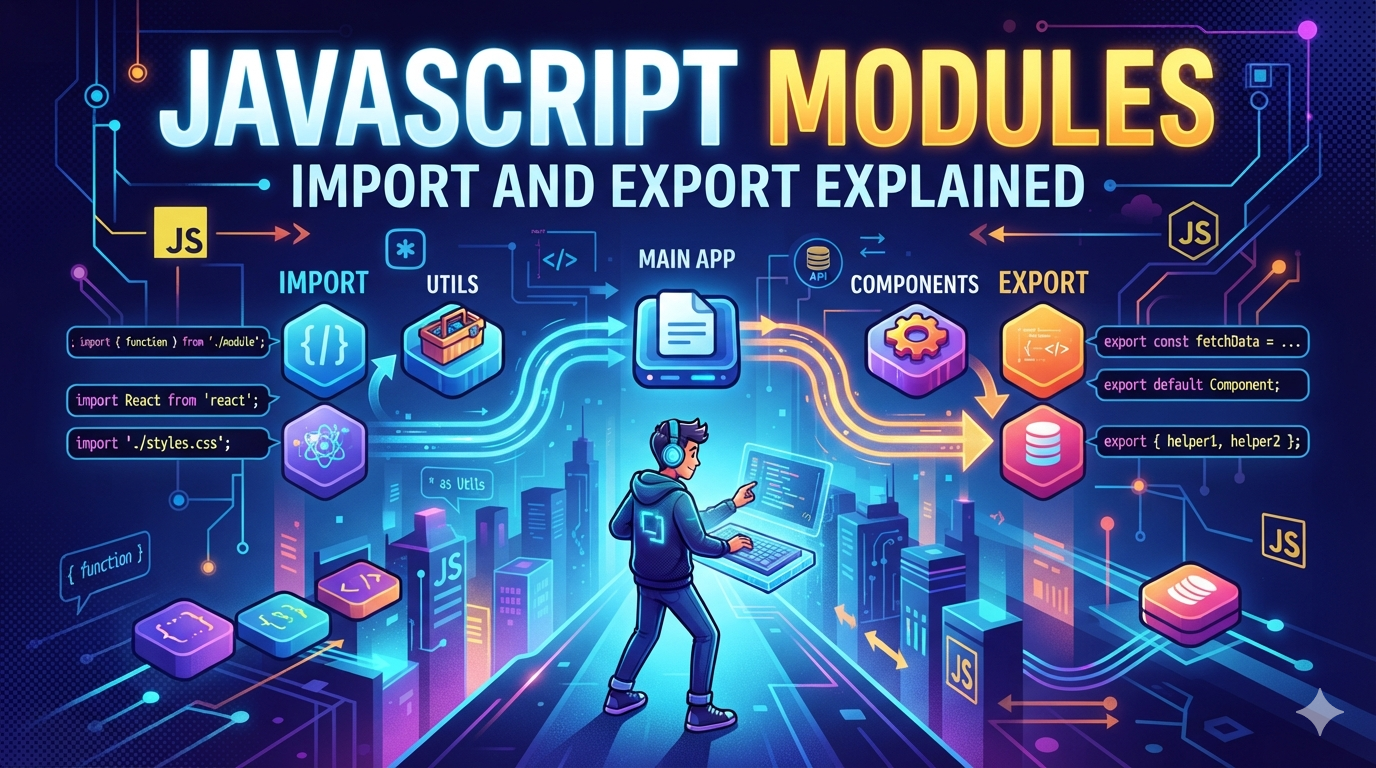
Why Modules are needed :-
JavaScript modules are self contained-files that allow you to organize ,encapsulate and reuse code by explicitly importing and exporting functions , variable ,or classes . Complex projects necessitate a mechanism for splitting JavaScript programs into separate modules that can be imported when needed .Modules let you to break large code into separate files To maintain easy Their are two easy ways to use these separate modules that can be using Import Or Export . To Share functionalities between modules.
Key Points of using modules
Organizing code.
Prevents naming conflicts.
Better readability.
Easier to maintain and Debug
How a file share it's functionalities .
A module use export keyword to share their values with other files . A module can have may named export's and a module have one default export .Each and every item can be exported individually or wrapped in { }.
For example :- exporting by named exports
const name="Chirag";
const age=33;

export {name,age}
But always have a precaution for named export that you have to spell well .
2) : Exporting functions or values
The export declaration is used to export values for a JavaScript module . Exported values can be then imported into other files .
In JavaScript Exporting can be done in two ways one Is Default export and another is Named export that we will discuss in upcoming part .
In order to export declaration in a source file the file must be interpretated by the runtime as a module . In HTML tags it can done by adding type="module" to the
Comments
Join the discussionNo comments yet. Be the first to comment.